LinkedIn Pinpoint #882 Hints & Answer: Help & View
LinkedIn Pinpoint #882 for Tuesday, September 29, 2026 starts with “Help” and “View”. Explore the clues below, then reveal the category and how each clue connects.
Automated explanation · not human reviewed ·
Original game: LinkedIn Pinpoint. Our explanations are independently written; this site is not affiliated with LinkedIn or Microsoft.
Latest edition: Looking for the current puzzle instead? See today's LinkedIn Pinpoint answer →
Reveal answer & analysis
These five clues point to the labeled options lined across many applications, collectively known as software menus on a computer interface.
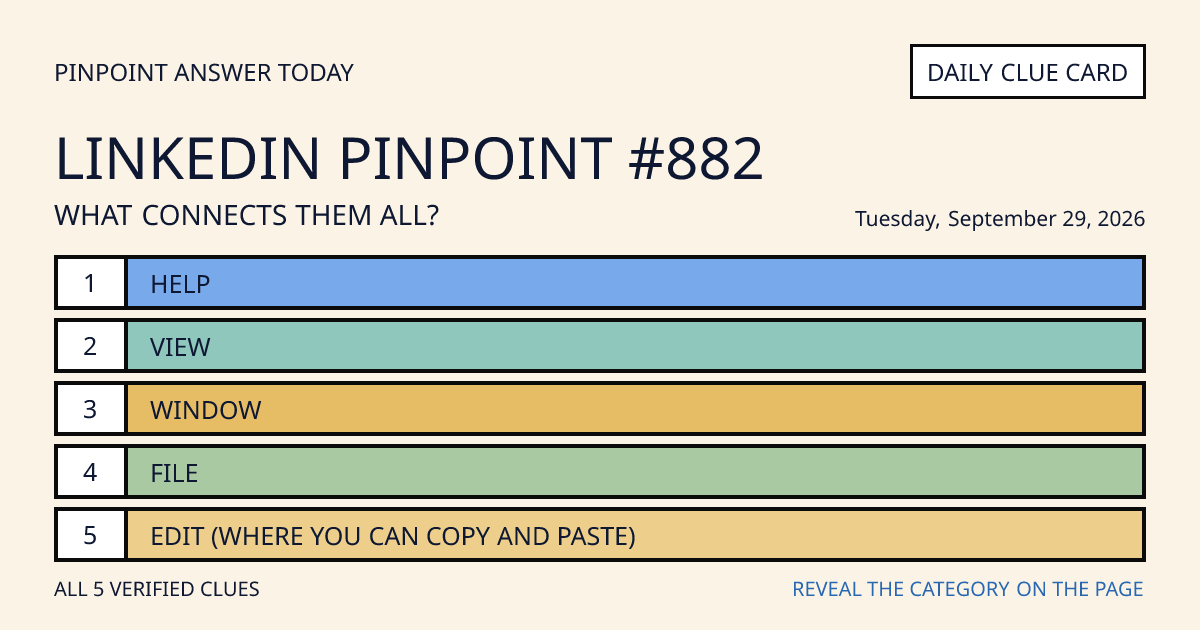
5 Clues
- Clue 1Help
- Clue 2View
- Clue 3Window
- Clue 4File
- Clue 5Edit (where you can copy and paste)
Why this answer fits
The decisive move is to treat “Window” as a cross-check between the opening pair and the final two clues. If all three stages support “Software menus” without changing the rule, the solve is complete.
Quick wink: “Help” opened the trail, “Window” tested the theory, and “Edit (where you can copy and paste)” supplied the final confirmation.
How to find the connection
- Use “Help” and “View” as the anchor pair. List the literal categories, familiar phrases, places, people, or properties they might share.
- Test the working category “Software menus” against “Window.” A valid Pinpoint answer must explain this third clue without adding a second rule.
- Finish with “File” and “Edit (where you can copy and paste).” Their independent fit confirms that “Software menus” connects the complete set rather than only the first pair.
Clue-by-clue explanation
| Clue | Connection evidence |
|---|---|
| Help | The clue "Help" connects to software menus because it is a common top-level menu heading for documentation, tips, and support options. |
| View | The clue "View" fits software menus since many programs include a View menu to toggle layouts, zoom levels, panels, or display modes. |
| Window | The clue "Window" indicates software menus because it often appears as a menu for managing open windows, tabs, and workspace arrangements. |
| File | The clue "File" points to software menus as the standard place to create, open, save, export, or print items handled by an application. |
| Edit (where you can copy and paste) | The clue "Edit (where you can copy and paste)" ties to software menus because Edit typically contains commands like cut, copy, paste, undo, and redo. |
Questions about Pinpoint #882
Which clues start this puzzle?
The first two clues are “Help” and “View”. The complete five-clue list is above.
Where is the category answer?
Open “Reveal answer & analysis” above to see the category and a separate explanation for each clue.
Looking for today's puzzle?
This edition is dated Tuesday, September 29, 2026. Visit today's Pinpoint answer for the latest edition, or browse the archive.
 X / Twitter
 LinkedIn
 Reddit